Overview
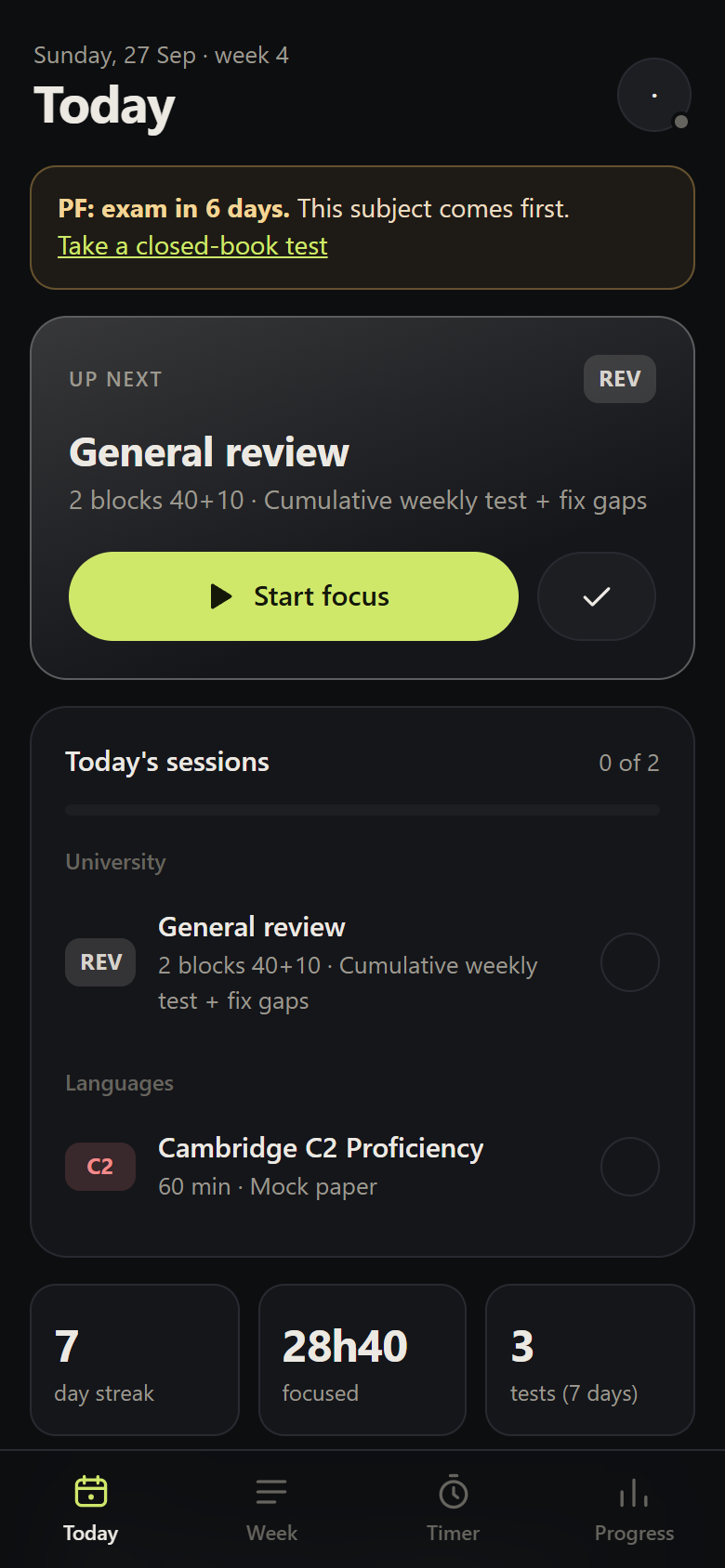
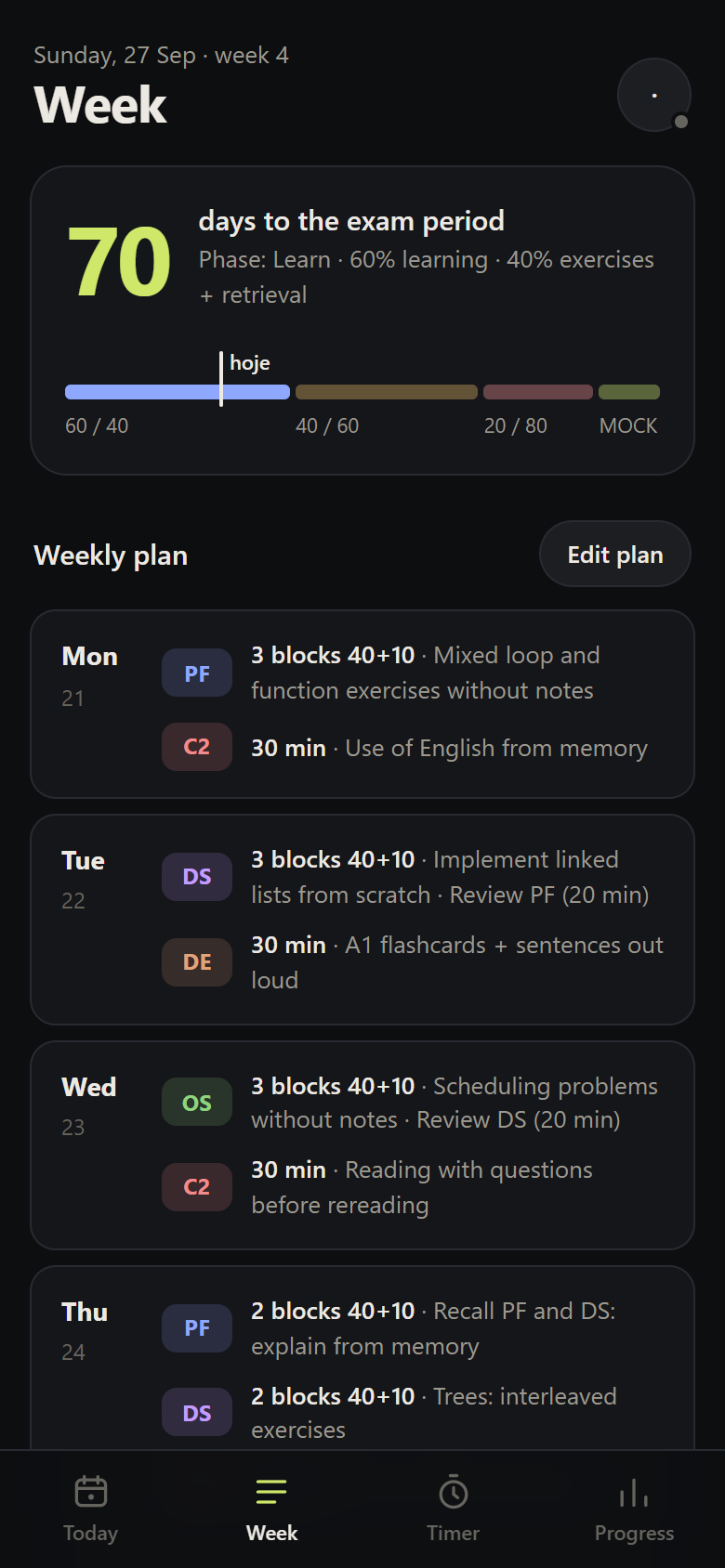
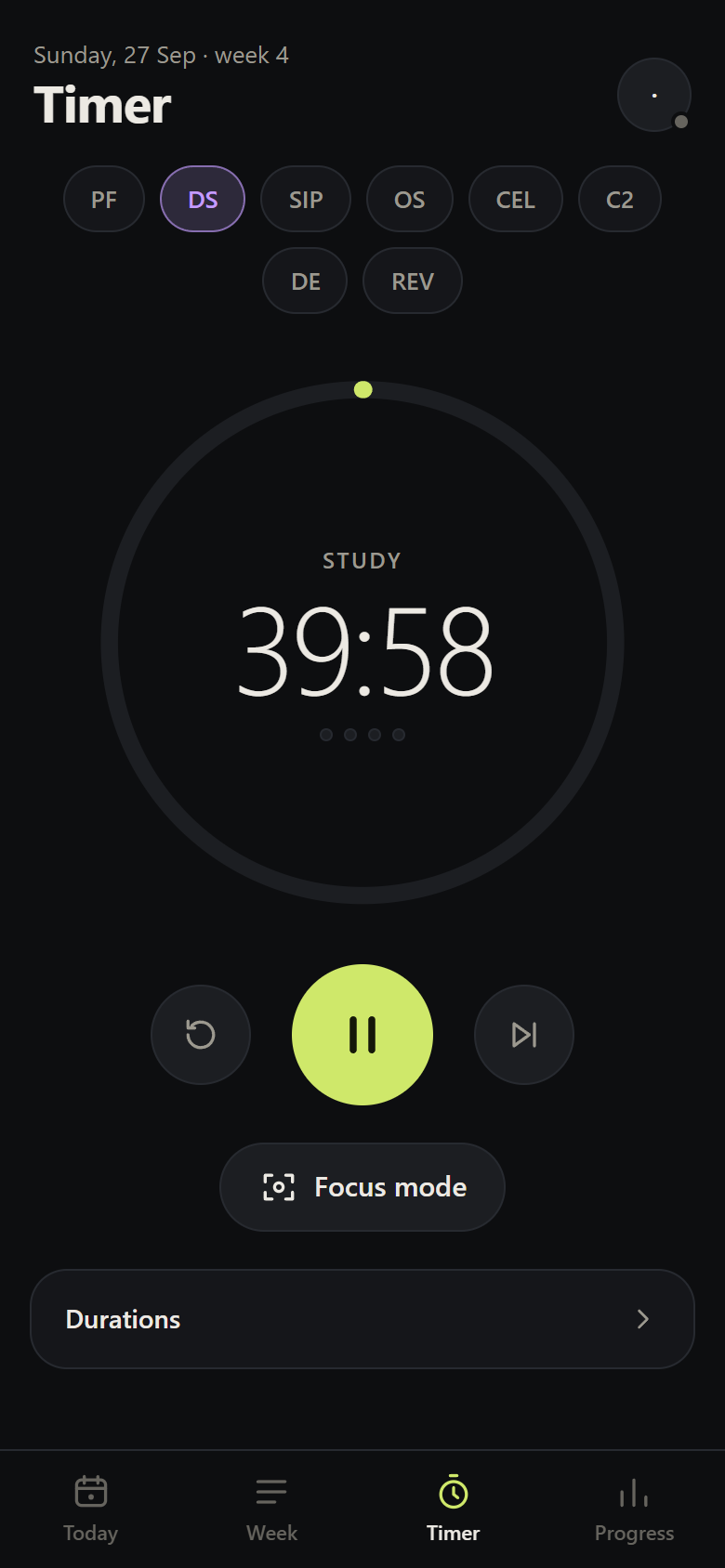
Estudar has four tabs — Today, Week, Timer, Progress — and three management screens: the plan, the degree record and the server. On a phone the navigation sits at the bottom; on a computer, in a sidebar.
Features
| Feature | What it does | Principle |
|---|---|---|
| AI weekly plan | Builds the week from your subjects, dates and hours; checks the result against fixed rules | Spacing, interleaving, retrieval |
| Timer and focus mode | Full-screen 40+10 blocks; the block runs on real clock time and survives the app being closed | Blocks with breaks |
| Block log | Attempts, confidence and help before marking; correct answers after | Attempt before revealing; calibration |
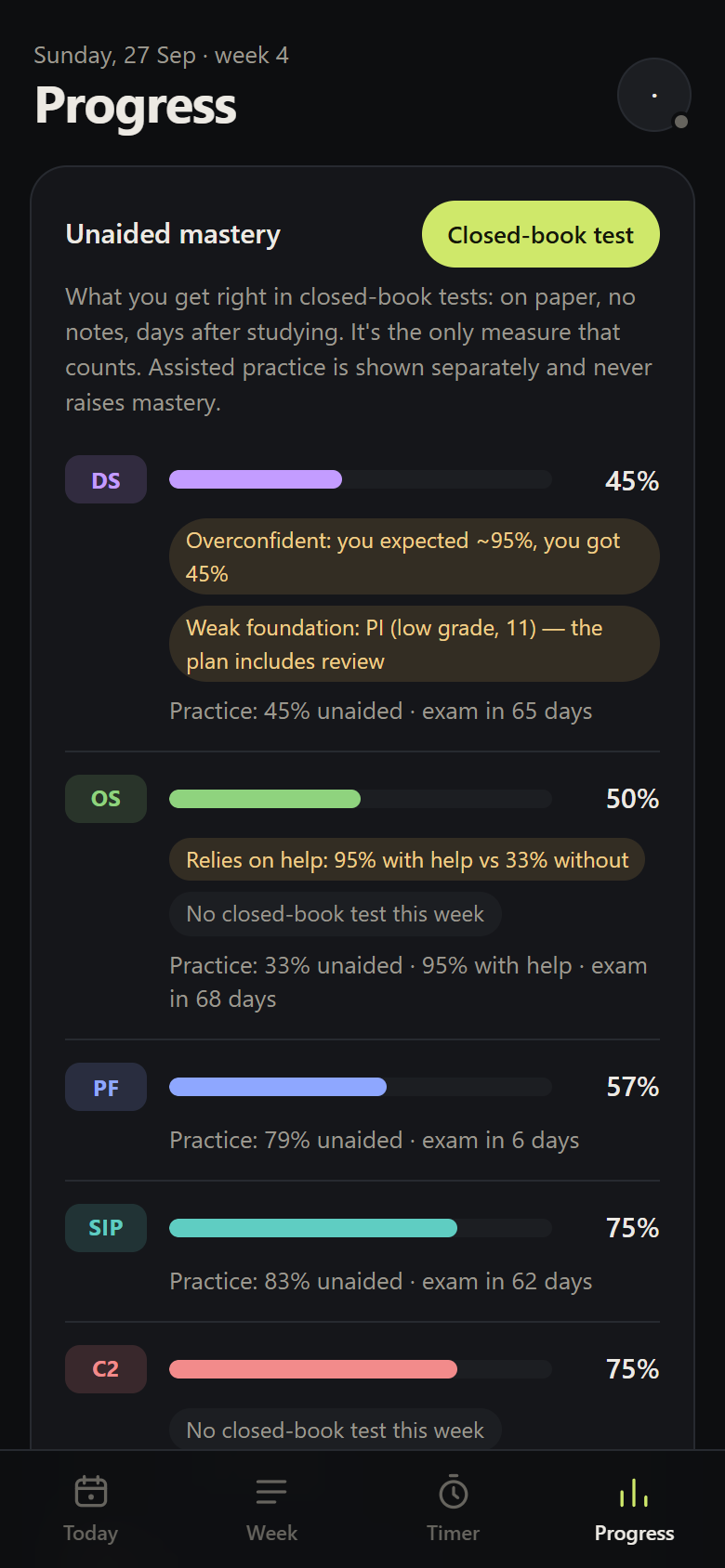
| Closed-book tests and mastery | Mastery comes only from paper tests, with no notes, taken after a delay; assisted practice is kept separate | Unaided retrieval |
| Degree record | Modules by year and semester, assessments, exam periods, ECTS-weighted average, prerequisites, import from a photo | Exam deadlines; prior knowledge |
| Semester report | Average, grades and what your tests predicted | Measure before deciding |
| Sync and offline | Phone ↔ computer in real time; works without a connection | — |
What's missing (on purpose)
- AI-generated summaries — summarising and rereading have low utility (Dunlosky et al., 2013). The app doesn't offer them as a way to study.
- An AI tutor that gives answers — it harms unaided performance (Bastani et al.). If there is ever a tutor, it will only step in after you have tried. See the roadmap.
- Leaderboards, points and badges for hours — they would reward the wrong signal.